

Drupal CMS
Drupal CMS is the Drupal Association's flagship product — Drupal core plus a curated set of contributed modules and recipes, packaged for people who want a capable site without assembling it piece by piece. It's the version of Drupal the project itself now leads with.
What ships on BOA
The CMS platform is rebuilt from the upstream Composer template as BOA
releases ship, so it tracks the version the Drupal Association currently
publishes — at the time of writing the 2.1 line, rebuilt on the current
Drupal 11.4 core. The platform's
name in the panel — as the Platform picker lists it — shows the exact
version. The codebase is a
standard Composer project with the web/ docroot, so its layout and tooling
are what you would expect. What differs is the lifecycle: like every
registered platform it is treated as immutable once it is in the panel, so
Composer belongs to building a fresh codebase, not to a platform with live
sites on it (see Deploying your code).
The platform also carries Drupal's full migration pipeline in its
codebase — the migrate_plus, migrate_tools and migrate_upgrade
contrib modules, present but switched off — so a site here can take on a
Drupal 7 migration, including a fully scriptable one from your shell,
without any Composer work first. The workflow that uses them is
Migrating a Drupal 7 site to Drupal CMS.
Installing a site on it
Create a site the usual way, pick the Drupal CMS platform, and pick the
distribution's own install profile — drupal_cms_installer — in the
Install profile field; it does the rest. One expectation to set: the
interactive, browser-based setup wizard you may know from trying Drupal CMS
elsewhere does not run here — the panel installs the complete package
unattended, which means your new site greets you with the starter theme's
placeholder front page:
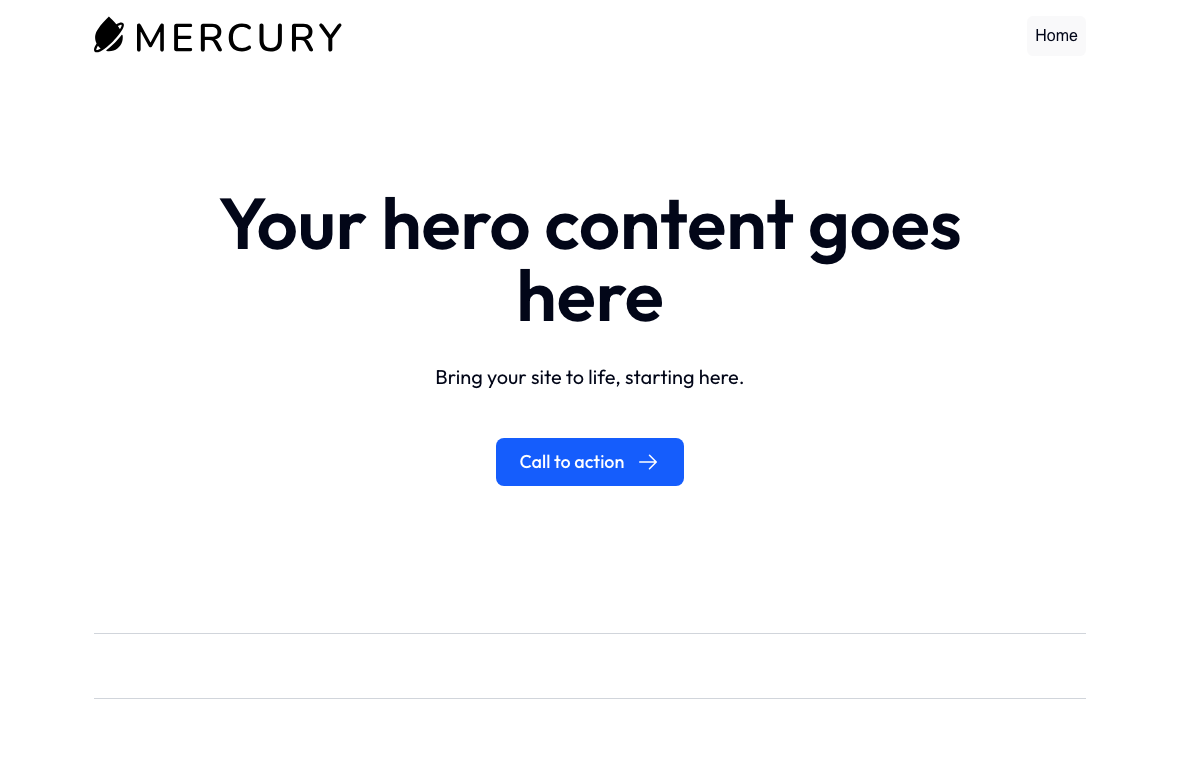
That's a healthy install, not a broken one: log in and start configuring, and the full Drupal CMS toolset is already in place.
Good to know
- Drupal CMS moves quickly upstream — patch releases arrive steadily. Because the platform is rebuilt each BOA cycle, a newer build usually means a newer Drupal CMS; you move an existing site to it with the Migrate Site task whenever you're ready (see Cloning and migrating — one change at a time).
- A site you build here is a normal Drupal 11 site to every other part of
BOA: same backups, same HTTPS, same caching — and the same shell tooling
as any modern Drupal site, which means the platform's own bundled Drush
run as
vdrush(after a one-time Unlock Local Drush platform task), not the baredrush, which is the system Drush 8 for legacy Drupal 6/7 only. See Drush basics.
Where to go next
- Choosing and managing platforms
— getting
CMSinto your platform list. - Creating and managing a site — the create-site form field by field.
- Migrating a Drupal 7 site to Drupal CMS — the end-to-end workflow for bringing a Drupal 7 site's content into a site you build here.